
If you experience an issue where there is no App ID being displayed under the system menu on the LILINViewer app it is recommended to take the following steps.
Backup your existing LILINViewer configuration to the cloud using the guide below.
Remove the App from your device.
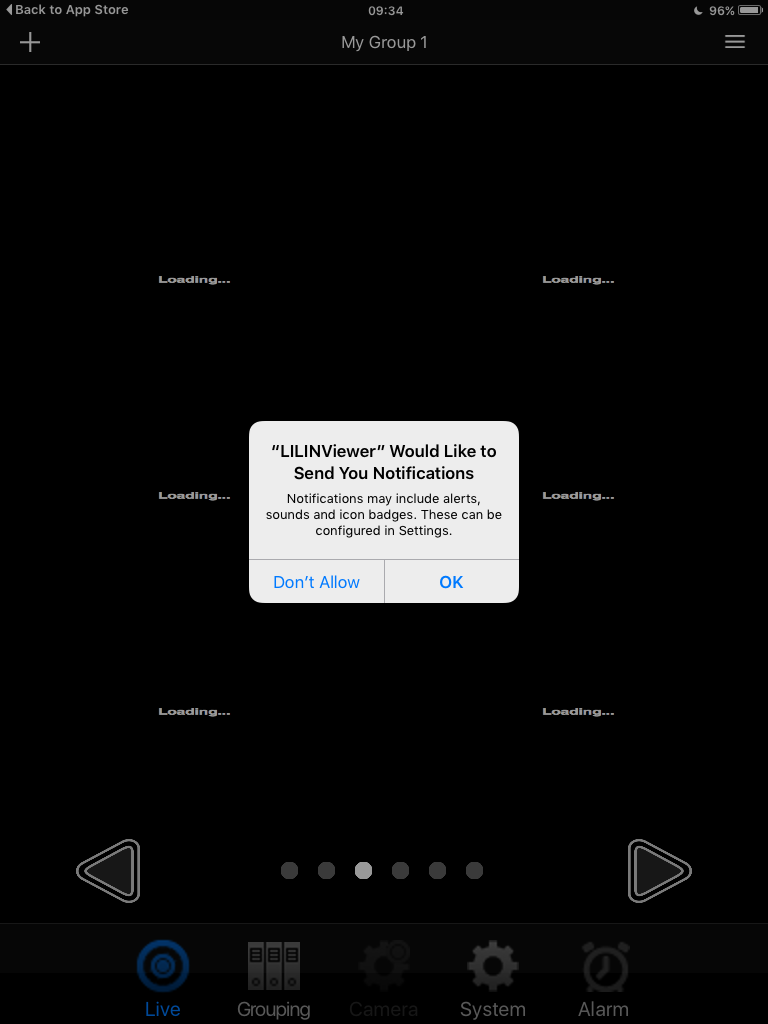
Download and install the App again. When the App is run for the first time, select 'OK' to the send notification prompt.
0 Comments